We talk a lot about Progressive Web Apps (PWAs). They are the perfect middle ground for most businesses: fast, installable, and easy to update.
But eventually, a client asks for something a PWA cannot do well. They want a browser-based tool that edits high-resolution video, runs complex financial models, or renders a 3D product configurator.
JavaScript is too slow for this. This is where WebAssembly (Wasm) enters the conversation.
01What is WebAssembly?
WebAssembly is a binary instruction format that runs in the browser. It allows code written in languages like C++, Rust, or Go to execute at near-native speeds.
In simple terms: It lets you take a heavy desktop application and run it in a web browser without the performance penalty of JavaScript.
02When We Use WebAssembly
We do not use Wasm for everything. We use it when we hit the "JavaScript ceiling"—the point where the browser struggles to perform a task smoothly.
1. Heavy Media Processing
We recently built a browser-based video editor for a client. They wanted users to crop, trim, and apply filters to video files without uploading them to a server (privacy reasons).
Using JavaScript, applying a filter to a 4K video took 12 seconds. The browser froze.
We rewrote the filtering engine in Rust and compiled it to WebAssembly. The same filter now takes 0.4 seconds, and the UI remains smooth. This is the classic Wasm use case: heavy lifting that would otherwise crash the main thread.
2. Cross-Platform Portability
If you have a legacy C++ application (think CAD software, scientific tools, or games) and want to move it to the web, Wasm is the only realistic path. You can compile your existing codebase and run it in the browser without rewriting everything in JavaScript.
3. Cryptography and Security
Wasm provides a sandboxed environment. For applications that need to run untrusted code or perform complex cryptographic operations client-side, Wasm offers better isolation and performance than standard JavaScript.
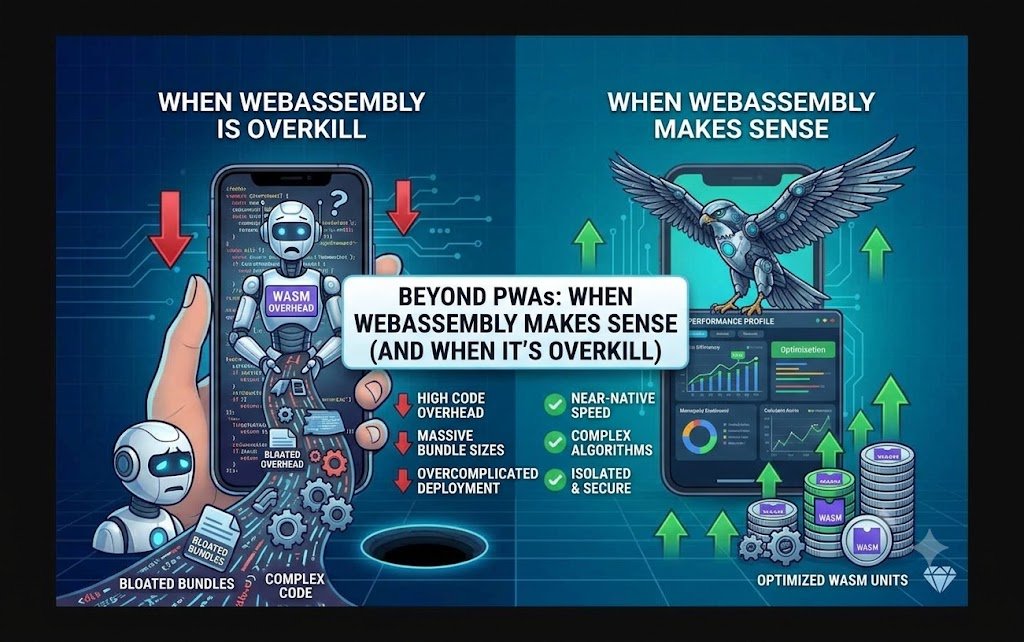
03When WebAssembly is Overkill
This is the important part. Wasm is not a magic bullet. It has real downsides:
- It increases your bundle size. A simple Wasm file can be megabytes in size, which slows down the initial load time.
- It is harder to debug. You cannot easily inspect Wasm in the browser dev tools. You have to use specialized tooling.
- It cannot access the DOM directly. You have to pass data back and forth between JavaScript and Wasm, which adds overhead.
For 95% of web applications, JavaScript (or TypeScript) is fast enough. If you are building a standard e-commerce store, a SaaS dashboard, or a marketing site, you do not need Wasm. You need a well-optimized PWA.
04Our Decision Matrix
Here is how we decide:
| Requirement | Use JavaScript (PWA) | Use WebAssembly |
| :--- | :--- | :--- |
| Standard UI (Forms, Lists, Text) | ✅ | ❌ |
| Simple Image/Data Processing | ✅ | ❌ |
| Complex Video/Audio Editing | ❌ | ✅ |
| 3D Rendering / Gaming | ❌ | ✅ |
| Porting Legacy C++ Apps | ❌ | ✅ |
| SEO-Critical Pages | ✅ | ❌ |
05The Verdict
WebAssembly is incredible technology. It expands what the browser can do and closes the gap between web apps and desktop software.
But for most businesses, the performance gains are not worth the complexity. If you are building a PWA, start with JavaScript. Only reach for Wasm when you hit a wall that JavaScript cannot break through.